For iPhone and iPad

A place for the things you want to come back to.

Keep links, screenshots, files, and notes together, with the context you’ll want later. Keep them to yourself or share a Space with another iPhone user.

Shipyourday Library on iPhone

Keep the context

Keep the thought with the thing you saved.

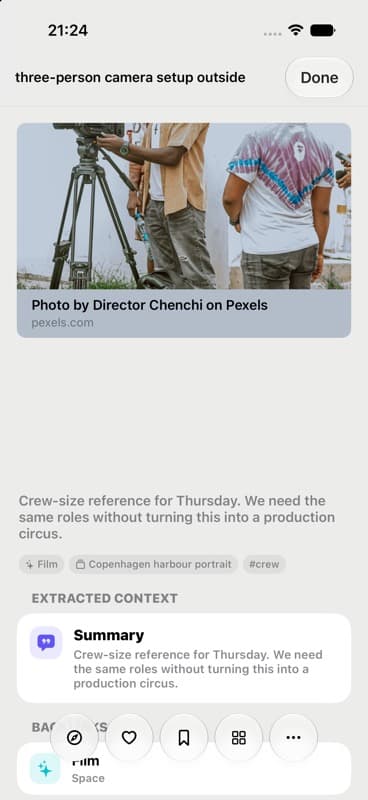
Add a note when you save something, or later when you know where it belongs. The original item and your own words stay together.

  • Social posts
  • Webpages
  • Screenshots
  • Photos
  • Files
  • Quick thoughts

How it fits together

Library, Spaces, and Notes work together.

The Library holds what you save. Notes hold what you write. Spaces bring related things together.

01 · Library

Everything you want to keep, easy to find again.

Keep links, screenshots, photos, files, audio, and video in a visual Library. Add a note whenever a little context will help later.

  • Browse visually or search when you know what you need
  • Use folders, tags, Favorites, and Read Later
  • Keep details and notes beside the original item
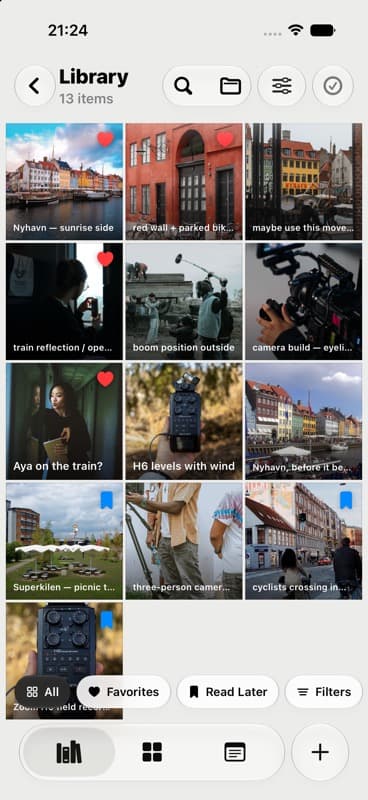
Everything you want to keep, easy to find again.

02 · Spaces

One place for everything about a subject.

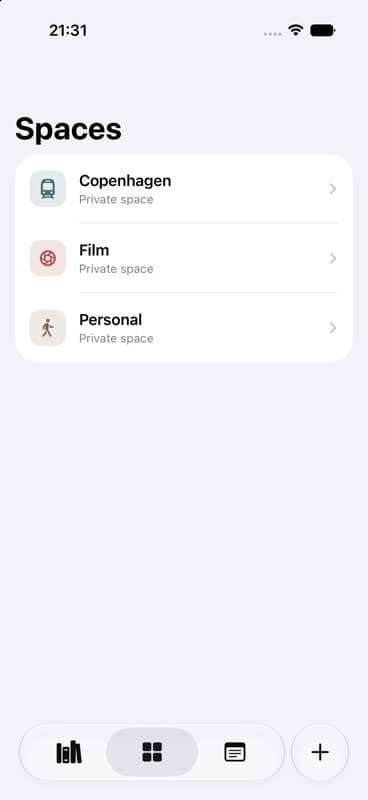
Use a Space to bring saved items and Notes together. Keep it private, or share it with another iPhone user so you can both add to it.

  • Add items from your Library and Notes
  • Give each interest its own Space
  • Invite another iPhone user and add to it together
One place for everything about a subject.

03 · Notes

Write beside the things you save.

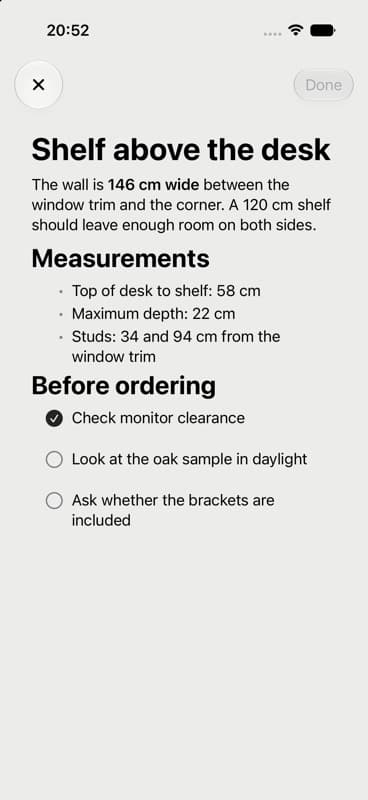
Use Notes for the thoughts that need more than a short caption. They stay as ordinary Markdown or text files that you can open elsewhere.

  • Write and edit without leaving the app
  • Move or pin Notes when you need to
  • Open the same files in other Markdown tools
Write beside the things you save.
Save from any app.

Add it quickly

Save it when you see it.

01

Save from any app.

Use the share sheet, camera, widget, or a Shortcut for links, images, audio, video, and files.

02

Add what you want to remember.

Write a short note, add tags, or mark something for Read Later.

03

Find it again.

Browse visually, search, or filter when you want to come back to it.

Come back later

Find it again without retracing your steps.

Together, the visual Library, your Notes, and Spaces help you see why you saved something.

Yours by default

Stored on your device or in iCloud Drive.

Keep everything on one device or sync it through your own iCloud Drive. A personal Library needs no Shipyourday account, and every Note is a regular Markdown or text file you can open elsewhere.

On-device or your iCloud Drive
Private or shared on iPhone
Portable Markdown files

Built with its first users

Start with the things you already save.

Join the founding beta and bring one collection you already care about.

Join the founding beta